How to Recover Deleted Text Message Attachments (2026)



To recover deleted text message attachments, one fact decides everything. Someone clears out an old conversation to free space, then remembers it held the only photos of a grandparent who has since passed. The chat is gone from the phone. Whether those photos come back depends on whether a computer backup was made while the conversation still existed. If it was, the photos and videos are waiting inside it. This guide shows how to reach them and why the backup, not the phone, is where the rescue happens.
Quick Answer
Deleted text message attachments come back from a computer backup made before the deletion. The photos and videos sent inside a conversation are saved in that backup, so a backup viewer opens the old chat and exports its pictures as files, even after the conversation is gone from the phone. Without such a backup, deleted attachments cannot be recovered.
| Your Situation | Can You Recover the Attachments? |
|---|---|
| Backup made before the deletion | Yes, export them from that backup |
| Only a backup made after deletion | No, the chat was already gone |
| No computer backup at all | Check older PCs, then it’s unlikely |
| Conversation still on the phone | Simpler, just extract the attachments |
Table of Contents
Where Do Deleted Attachments Actually Go?
Deleting a conversation removes it from the phone and, if Messages in iCloud is on, from iCloud too within seconds. That looks final. What breaks the finality is any computer backup made earlier, because a backup is a frozen snapshot. The conversation that vanished from the phone last week still sits whole inside a backup made last month. Its photos and videos stay attached exactly as they were.
This is the rule that decides the whole outcome. Deleted text message attachments are recoverable from a backup made before the deletion. Nowhere else holds them. The phone overwrote them and iCloud matched the phone. Only the older backup kept the copy. Finding that backup is the entire task.
How Do You Recover Deleted Text Message Attachments?
The rescue runs on the computer, never on the phone.
- Find a backup made before the deletion. Check the dates on backups on this PC and any older computer the iPhone used, guided by our walkthrough of getting data from an old iPhone.
- Open that backup on Windows 10 or 11 with iData Backup Viewer, which reads conversations that no longer exist on the phone, free to browse.
- Open the deleted conversation. It appears complete, photos and videos attached.
- Export the attachments as normal image and video files to a folder on your PC.
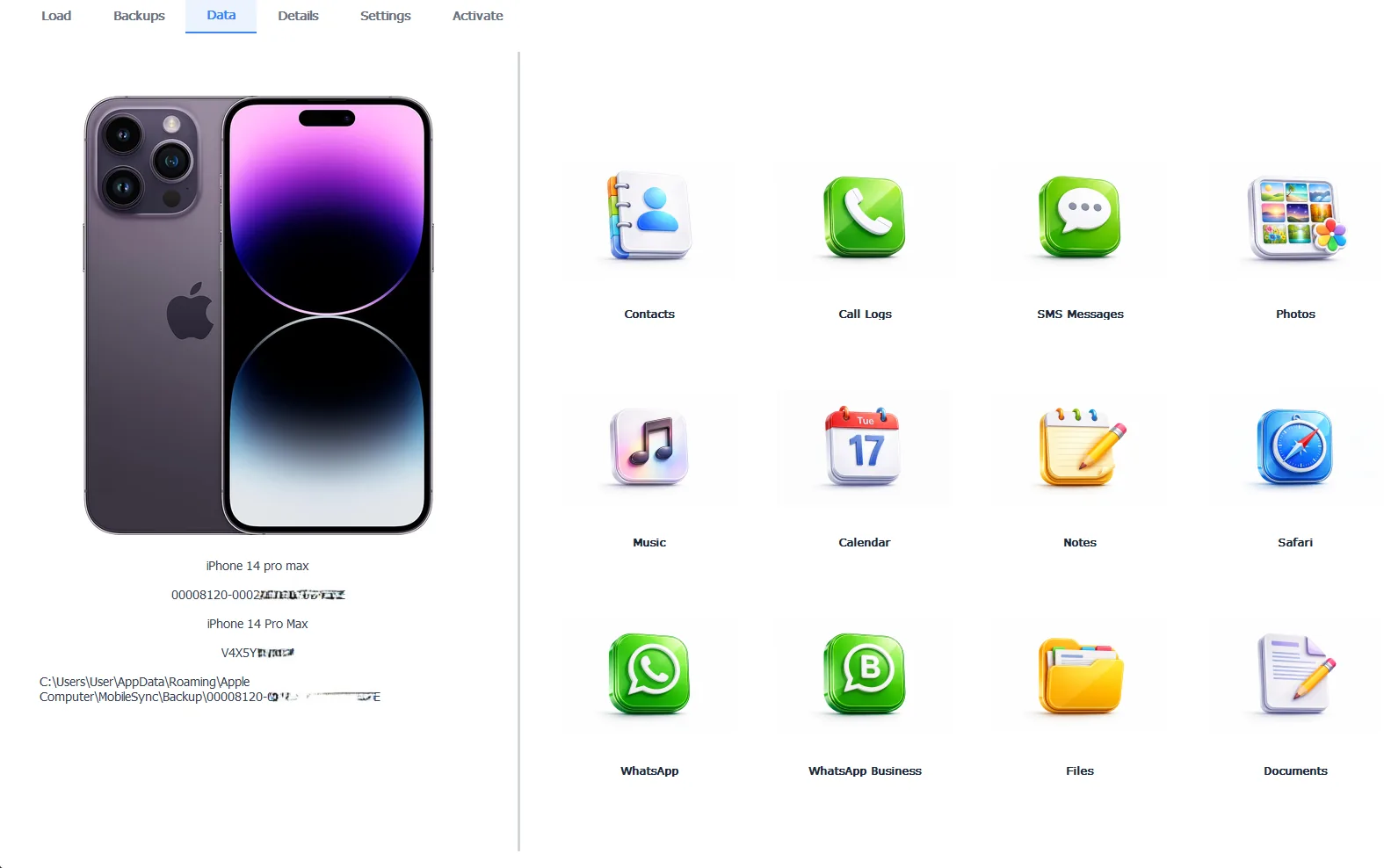
A deleted conversation reopened, its attachments recovered from a backup
Browsing to find the conversation is free, which proves the attachments survived before you spend anything. Exporting takes the Pro edition at $49 per year, running 100% locally. If the whole conversation matters, not only its pictures, our guide to recovering deleted text messages saves the words alongside them.
Free version previews your backup contents. Works on Windows 10 and 11.
“The photos people cry over losing were almost never in their photo library. They were in a chat. The chat got cleared to save space. The one thing that saves them is an old backup nobody remembers making. Before you believe those pictures are gone, check every computer the phone ever touched.”
Viralkumar Patel in | iData Backup Viewer Team, CYBERSICS SOLUTIONS
What If There’s No Backup from Before the Deletion?
The honest answer is that this is the hard case. iOS reuses the storage a deleted attachment occupied, so a genuinely deleted photo cannot be scraped off a live phone, whatever a scanner app promises. The one real hope is a backup you forgot you had.
Search wider than your current PC. Old laptops, a family desktop, an external drive, another Windows user account. Any can hold a backup from before the deletion. Backups never expire, so a machine from years ago is worth checking, mapped in our guide to getting data from an old iPhone. If a sender still has the conversation on their phone, ask them to resend the photos, the fastest fix of all when it applies.
Why Are Some Recovered Attachments Lower Quality?
The recovery is faithful, so a blurry result means the original was blurry when it arrived. Photos sent as green-bubble MMS get compressed hard by the carrier before your phone ever receives them. The small version is the only one the backup could hold. Recovering it returns that small version exactly.
Blue-bubble iMessage attachments come back near full quality, unless the sender turned on Low Quality Image Mode. When a recovered photo matters and the copy is poor, the sender’s own phone still holds the original. A quick resend beats any recovery for sharpness. The same quality rule shapes our guide to extracting photo attachments from messages.
How Do You Never Lose Them Again?
One habit removes this fear. Before clearing any conversation that holds photos you care about, save those attachments first, the method in our guide to saving text messages to your computer. A conversation exported to files can be cleared from the phone with nothing lost.
Keep regular computer backups too, since each one is a safety net for every conversation on the phone that day. A recent backup means a deletion is a scare, not a loss. Deleted library photos follow a similar map in our guide to recovering deleted photos from an iPhone.
Getting back attachments from a deleted chat comes down to a few plain points:
- Deleted attachments survive in any computer backup made before the deletion, nowhere else.
- A viewer opens the deleted conversation from that backup and exports its photos and videos.
- With no earlier backup, search old computers, then ask the sender to resend.
- Green-bubble MMS photos come back compressed, so a resend beats recovery for quality.
Which deleted conversation are you hoping an old backup still holds?
Frequently Asked Questions
Where do deleted text message attachments go?
Deleted text message attachments leave the phone with their conversation, but any computer backup made before the deletion still holds them. The backup froze that chat and its photos on its date, so the attachments sit there intact regardless of what the phone did later.
Can I recover attachments without a backup?
Not reliably. iOS overwrites the space a deleted attachment used, so no app pulls a genuinely deleted photo off a live phone. A computer backup from before the deletion is the one dependable source, which is why old backups matter so much here.
Do deleted videos come back too, not just photos?
Yes. Videos sent in a conversation sit in the same backup as the photos and export the same way. A recovered conversation returns its full set of attachments, photos, videos and other files alike.
The conversation is deleted but I have an old backup. Now what?
Open that backup on a computer with a viewer. The deleted conversation appears complete, attachments included. You export the photos and videos as normal files. The phone is never touched in the process.
Are attachments from green-bubble texts lower quality?
Often, yes. Photos sent as green-bubble MMS were compressed by the carrier before your phone received them, so the recovered copy matches that smaller version. Blue-bubble iMessage attachments come back near full quality.
Is recovering deleted attachments free?
Browsing the backup and finding the deleted attachments is free, which confirms they are there. Exporting them out as image and video files takes the Pro edition at $49 per year, running 100% locally on your PC.
Written by Viralkumar Patel in
Viralkumar works on iData Backup Viewer at CYBERSICS SOLUTIONS, where he helps Windows users read, recover and export data from iPhone backups.
Last updated September 2026