How to Recover Deleted Text Messages on an iPhone



A deleted text isn’t gone the moment you swipe it away. To recover deleted text messages iPhone owners actually have three real hiding places to check and the right one depends on when you deleted, what iOS version you run and whether a backup exists. This guide walks all of them in the smartest order, including the ones that don’t work, so you stop before paying for those.
Summary
Check Recently Deleted in the Messages app first, since Apple holds deleted texts there for 30 to 40 days. Past that window, a computer backup made before the deletion still contains the messages and a backup viewer reads them out without wiping your phone.
| Your Situation | Best Method |
|---|---|
| Deleted within the last month, iOS 16 or later | Recently Deleted folder, two minutes |
| Deleted longer ago, computer backup exists | Read the backup with a viewer, no wipe |
| Willing to roll the whole phone back | Full restore from backup |
| No backup anywhere | The other person’s phone, honestly |
Table of Contents
Can Deleted Texts Actually Come Back?
Yes, from three real sources. Apple’s own Recently Deleted folder holds messages for weeks after deletion. Computer backups freeze your entire message history as of the moment they ran, deletions on the phone afterward notwithstanding. And the person you texted still carries the whole conversation on their device.
Everything else you’ll see advertised is a variation on scanning the phone itself and that road leads nowhere, for reasons covered at the end. So the recovery order is simple. Newest hiding place first, then the backup, then the human on the other end.
Have You Checked Recently Deleted Yet?
Since iOS 16, deleting a conversation moves it to a holding folder instead of destroying it. Apple keeps recently deleted messages for 30 to 40 days before they vanish for real.
- Open Messages and tap Edit in the top left corner or tap Filters if you use message filtering.
- Tap Show Recently Deleted.
- Select the conversations you want back and tap Recover.
Two catches. Messages deleted before you updated to iOS 16 never entered this folder and once the 30 to 40 days pass, the folder empties itself. Either way, the trail then leads to your backups.
How Do You Recover Deleted Text Messages from a Backup?
Every backup your computer ever made of the iPhone contains the complete message history from that day. Delete a text tonight and last week’s backup still holds it, untouched. Find your backups first using our guide to where iPhone backups are stored on Windows, checking the date on each device folder.
Then comes the fork in the road. Apple’s official route is a full restore, which works but replaces everything currently on the phone with the backup’s older contents, following the steps in our guide to restoring an iPhone from a backup. Photos, chats and app data from after the backup date all disappear in the trade. For one deleted conversation, that price is steep.
The route without the trade reads the backup directly on your PC. iData Backup Viewer opens the backup on Windows 10 and 11, shows every SMS and iMessage conversation inside with attachments and lets you check whether your deleted texts are actually there, free, before anything else happens. The phone never gets touched. Encrypted backups open too, with the password and if that password is the sticking point our guide to the iTunes backup password covers every escape route. For the deeper walkthrough of this method, see recovering deleted iMessages from a backup.
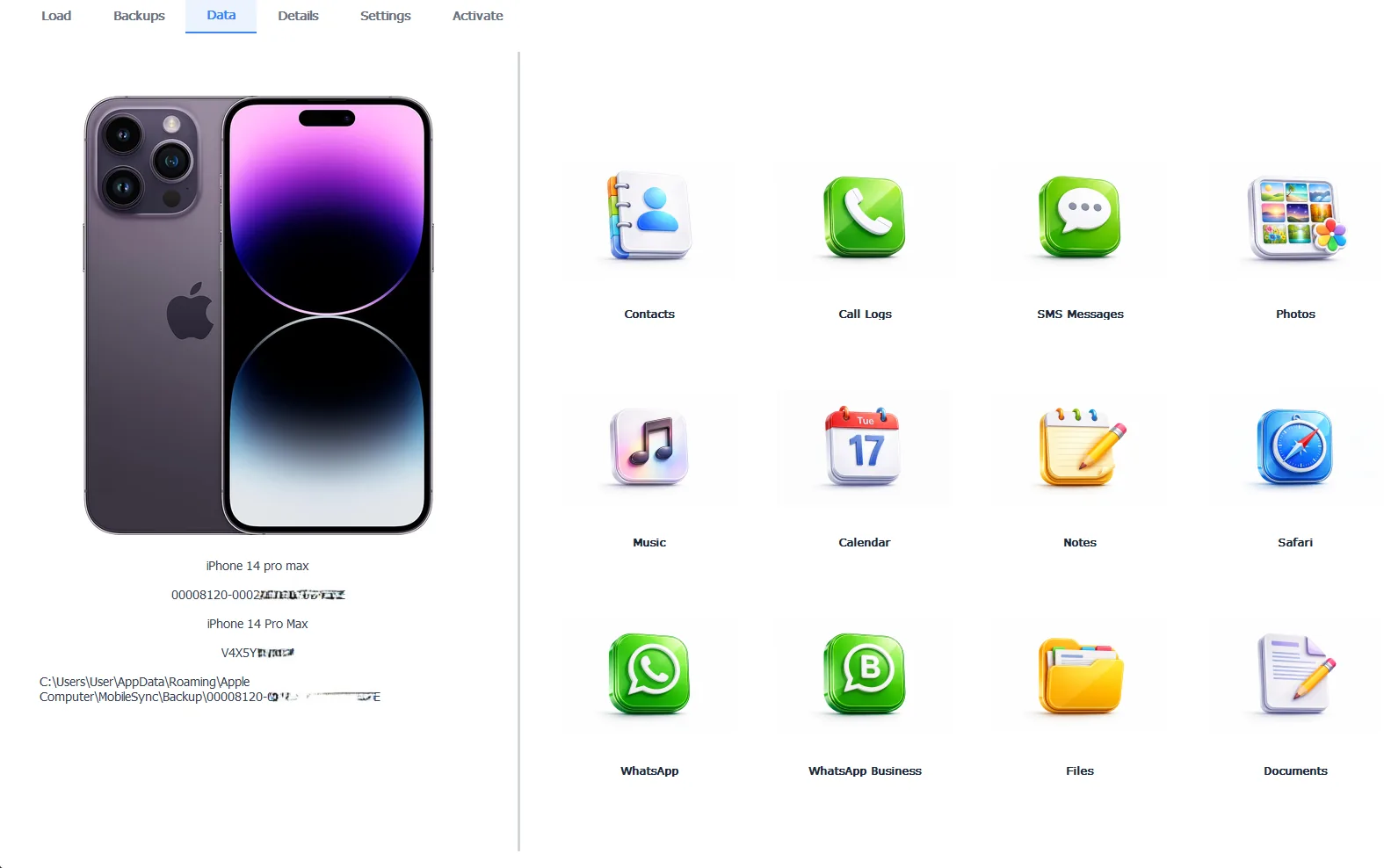
Deleted conversations, found alive inside an older backup
The preview costs nothing and exporting the recovered conversations to PDF or CSV takes the Pro edition at $49 per year. Everything runs 100% locally on your machine.
Free version previews your backup contents. Works on Windows 10 and 11.
“A deleted text lives in three places. Apple’s holding folder for a month, every backup made before the deletion and the other person’s phone forever. People pay for scanner apps because nobody told them to check the second one. The backup on their own laptop had the messages the whole time.”
Viralkumar Patel in | iData Backup Viewer Team, CYBERSICS SOLUTIONS
What About iCloud?
iCloud cuts both ways here and understanding which iCloud feature you use decides everything. With Messages in iCloud turned on, your conversations sync across devices and so do your deletions. Erase a chat on the phone and it evaporates from the iPad, the Mac and iCloud itself within moments. Checking another synced device rarely rescues anything.
iCloud backups follow different rules. A full iCloud backup made before the deletion contains the messages, but reaching them means erasing the iPhone completely and restoring from that backup during setup, the same all-or-nothing trade as a computer restore with a full wipe added upfront. iCloud backups also can’t be opened on a PC the way local ones can, which is one more reason the computer backup remains the friendliest place to look.
Can Your Carrier or the Other Person Help?
Your carrier keeps metadata, meaning records of which numbers exchanged texts and when. The words inside those texts are another matter. Content retention is brief where it exists at all and carriers release it through legal process rather than a customer support call. For a personal recovery mission, the carrier route is effectively closed.
The other person in the conversation is the opposite story. Deleting a chat removes your copy only, so their phone still displays every message, timestamp included. A set of screenshots from their device takes five minutes and costs nothing. Pride is the only obstacle and pride is cheaper than data recovery.
Why Don’t Phone Scanning Apps Work?
Search this topic and ads promise to scan your iPhone and resurrect deleted texts with no backup needed. The architecture says otherwise. iOS refuses to let any app read the Messages database on a live phone and the space a deleted message occupied gets recycled by the system quickly. What those tools genuinely do, at their best, is read a backup, the same thing honest software does while saying so.
The test for any recovery tool is one question. Does it ask for a backup? Tools that work with backups can deliver, because the data verifiably exists there. Tools claiming to conjure texts from a phone with no backup are selling a scan of empty space.
So run the ladder in order. Recently Deleted for anything under 40 days old, then your computer backups read safely with a viewer, then a restore if you accept the rollback, then the other person’s phone. Somewhere on those four rungs, most deleted conversations turn out to be alive.
Which backup on your computer is old enough to hold the messages you miss?
Frequently Asked Questions
How long do deleted messages stay in Recently Deleted?
Apple keeps them for 30 to 40 days after deletion, then removes them for good. The folder also only exists on iOS 16 and later, so messages deleted on older versions never passed through it.
Can I recover texts I deleted years ago?
Only from a backup made while those texts still existed. Backups never expire, so a 2019 backup sitting on an old laptop still contains its 2019 messages, readable today with a backup viewer.
Will restoring a backup delete my current messages?
Yes. A restore replaces everything on the phone with the backup’s contents, so anything that arrived after the backup date disappears. That trade is exactly why previewing the backup first is the safer opening move.
Can my carrier retrieve the content of deleted texts?
Carriers keep records of who texted whom and when, but the message content itself is not something they retain or release to customers. Content requests run through legal channels, not customer service.
Do apps that scan the iPhone itself for deleted texts work?
Not without a backup. iOS blocks apps from reading the Messages database on a live phone and deleted rows get overwritten fast. Tools that read backups work because the data genuinely sits there.
Are both SMS and iMessage recoverable the same way?
Yes. Green SMS and blue iMessage conversations live in the same Messages database on the phone and both land in the same computer backup, so every method here treats them identically.
Written by Viralkumar Patel in
Viralkumar works on iData Backup Viewer at CYBERSICS SOLUTIONS, where he helps Windows users read, recover and export data from iPhone backups.