How to Restore Only Photos from an iPhone Backup



You want the photos from March back. You don’t want March’s messages overwriting September’s or March’s apps replacing today’s. The whole phone shouldn’t time travel for the sake of an album. Apple’s tools can’t make that distinction. To restore only photos from iphone backup files, you skip the restore entirely and lift the pictures straight out of the backup on your PC. Same photos, none of the collateral damage.
Summary
To restore only photos from an iPhone backup, open the backup in a viewer on your PC, browse the photo gallery and export just the pictures you want as image files. iTunes offers no partial restore, so extraction is the route that spares everything currently on your phone.
| What You Want | The Right Move |
|---|---|
| The photos as files on your PC | Extract from the backup, no restore |
| The photos back on the phone, nothing lost | Extract, then upload to the phone |
| Everything from that backup date | Full restore, eyes open |
| Photos deleted from the phone recently | Check Recently Deleted first |
Table of Contents
Can You Restore Only Photos from an iPhone Backup?
Not with Apple’s tools. Hearing that plainly saves an evening of hunting for the checkbox. iTunes and the Apple Devices app treat a backup as one sealed unit. Restore it and everything comes back together, photos, messages, settings and all. The lot replaces whatever the phone holds now. No photos-only option exists anywhere in the interface.
The workaround is better than the missing feature would have been. A backup is a folder on your PC, so software that reads the folder can hand you the photos alone, leaving the phone untouched and the rest of the backup ignored. That extraction route is the real answer to this search and the rest of this page walks it.
What Does a Full Restore Cost When You Only Want Photos?
Count the price before paying it. A full restore rolls the entire phone back to the backup’s date. Every message, photo and app change since then disappears in the trade. For a lost album, that’s surrendering six months to retrieve one week.
The regret arrives in two flavors we see constantly. People restore, recover March’s photos and lose September’s conversations. Or the restore ends with data looking wrong on both sides of the trade, the tangle our guide to data missing after an iPhone restore exists to untangle. A full restore remains the right call when you genuinely want everything from that date, done properly through our guide to restoring an iPhone from a backup. For photos alone it’s the wrong hammer.
How Do You Get Only the Photos Out of the Backup?
iData Backup Viewer opens the backup on Windows 10 or 11 and shows its photos as a real gallery, thumbnails, dates and albums intact, free to browse. Scroll to the shots you’re after and confirm they’re truly in this backup. Then export just those as normal image files to any folder on your PC. Videos come along the same way. The phone never connects, the backup never changes and nothing else moves.
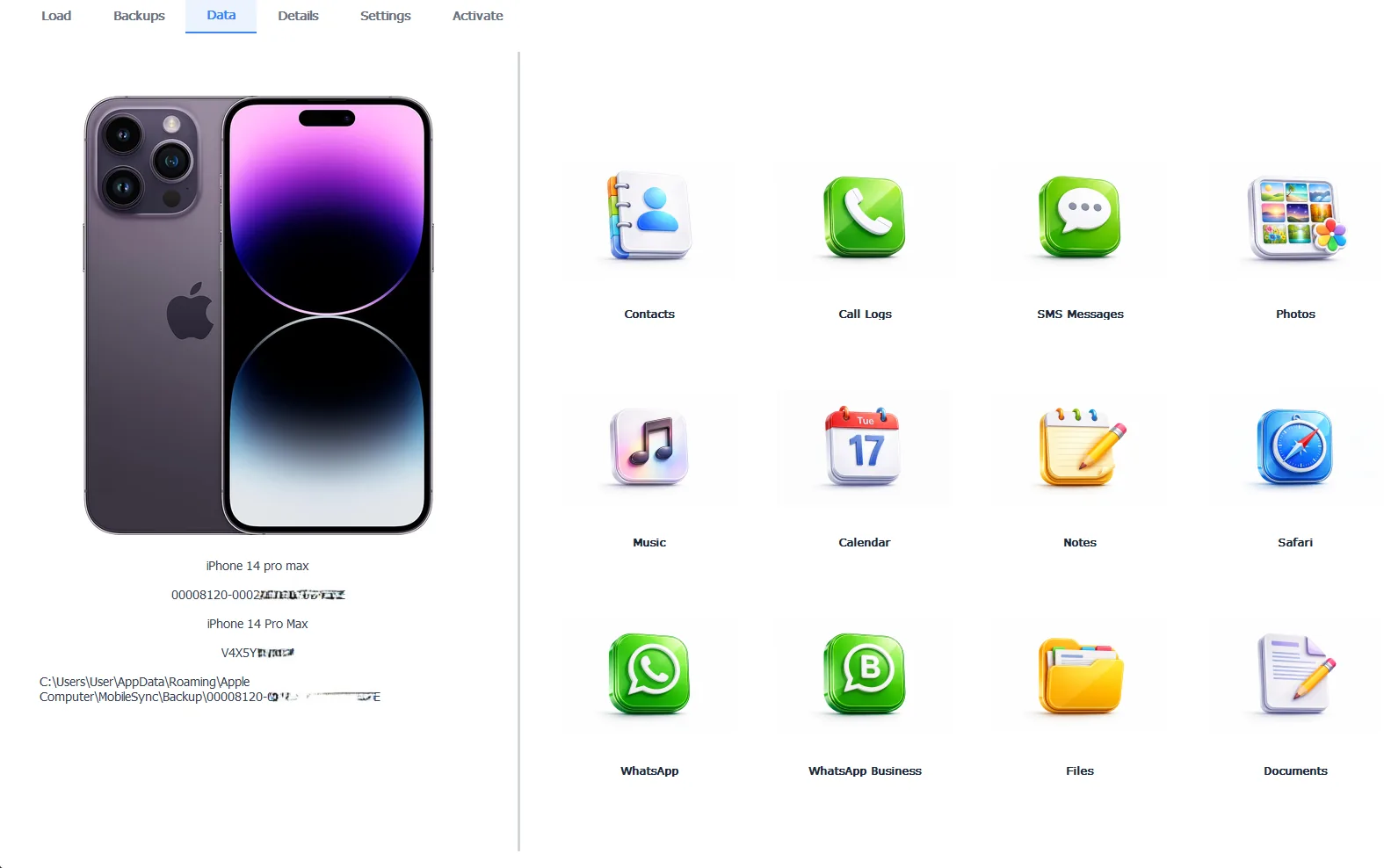
March’s photos leaving the backup, September’s phone untouched
Encrypted backups open with their password and browsing stays free either way, which doubles as the confirmation step before spending anything. Exporting takes the Pro edition at $49 per year, 100% locally. The complete extraction workflow, organizing included, lives in our guide to extracting photos from an iPhone backup.
Free version previews your backup contents. Works on Windows 10 and 11.
“Restores are a time machine that takes the whole phone along for the ride. Most people asking for their photos back don’t want to time travel, they want an album. Read the backup like the folder it is, take the album and leave the machine parked. The phone you have today keeps being the phone you have today.”
Viralkumar Patel in | iData Backup Viewer Team, CYBERSICS SOLUTIONS
How Do You Put the Photos Back on the iPhone?
Once the photos sit on your PC as files, the return trip is ordinary photo transfer with nothing at stake. The cleanest route runs through iCloud.com. Sign in from the PC, open Photos and upload the extracted pictures. They sync down to the iPhone’s library on their own. Any cloud drive app you already use does the same job for smaller batches. So does emailing yourself the highlights.
Plenty of people stop at the PC on purpose. A dated folder of exported photos on your computer, copied once to an external drive, is a sturdier archive than any phone library. The phone gets the favorites and the PC keeps the record.
Which Photos Are in the Backup at All?
Two rules set expectations before you open anything. Camera roll photos ride in a computer backup only when iCloud Photos was off, since Apple keeps iCloud-synced categories out of local backups. A backup light on photos means the library lives in iCloud instead. And photos traded inside conversations always come along in the message data, the hidden album our guide to extracting photo attachments from messages opens up.
Deleted photos follow their own map. The Recently Deleted album covers the last month on the phone itself, then older backups take over as the deep archive, both roads walked in our guide to recovering deleted photos from an iPhone. And if you’re curious why the backup folder itself shows no pictures when you browse it raw, that riddle has its own answer in where iPhone backup photos are stored.
So skip the hunt for a checkbox Apple never built. Open the backup, take the photos, spare the phone. The full restore stays available for the day you want everything, while today’s job needed an album and nothing else. Every other selective escape from a backup runs through our iPhone data recovery hub.
Which album are you rescuing and what would a full rollback have cost you?
Frequently Asked Questions
Does iTunes have a restore only photos option?
No. iTunes and the Apple Devices app restore everything or nothing, with no checkbox for photos alone. Selective recovery happens outside Apple’s tools, by reading the backup directly on your PC.
Will a full restore delete my current photos?
It replaces the whole phone with the backup date’s contents, so photos taken since that date vanish along with newer messages and app data. Save anything recent off the phone before any full restore.
Can I get the photos without restoring at all?
Yes. It’s the better route for photos alone. A backup viewer opens the backup on your computer and exports the pictures as normal image files while the phone stays exactly as it is.
Do videos come out along with the photos?
Yes. Videos sit in the backup beside the photos and export the same way, so the camera roll comes back complete rather than stills only.
The backup is encrypted. Can I still pull just the photos?
Yes, with its password. The viewer decrypts the backup on your PC and the photo gallery opens the same as from a plain backup.
Is extracting only the photos free?
Browsing the full gallery is free, which confirms the photos you want are actually in there. Exporting them out as files takes the Pro edition at $49 per year, running 100% locally.
Written by Viralkumar Patel in
Viralkumar works on iData Backup Viewer at CYBERSICS SOLUTIONS, where he helps Windows users read, recover and export data from iPhone backups.