Where Are iPhone Backup Photos Stored on a PC?



Here’s the answer and the catch in one breath. Your iphone backup photos sit on the PC inside the backup folder, thousands of them. You can stare straight at them without ever knowing it. Apple stores every photo as a forty character hash, scattered across 256 folders. No file extension, no thumbnail, no name. The pictures are all there. They’re just wearing disguises. This guide is about taking the disguises off.
Summary
iPhone backup photos are stored inside the MobileSync Backup folder on your PC, spread across subfolders named 00 to ff as hash named files without extensions. Windows can’t display them as images, so a backup viewer is what turns the hashes back into a browsable, exportable photo gallery.
| What You Expect | What’s Actually There |
|---|---|
| A Photos or DCIM folder | 256 subfolders named 00 through ff |
| IMG_0413.jpg | A 40 character hash, no extension |
| Thumbnails you can scroll | Blank white file icons |
| A map of what’s what | Locked inside a database file |
Table of Contents
Where Are iPhone Backup Photos Stored?
The photos live inside the device’s backup folder at one of Windows’ two backup locations, depending on which app made the backup.
Open the device folder, the one with the long hashed name. Inside sit 256 subfolders labeled 00 through ff. Your photos are distributed among them right now, mixed in with everything else the backup holds. Which path applies to you and how to reach it fast is covered in our guides to where iPhone backups are stored on Windows and finding backups on Windows 11. This page picks up at the moment those leave off, standing in the folder wondering where the pictures went.
Why Can’t You See Them as Photos?
Because backups were built to be restored, never browsed. Apple names every file in the backup after a cryptographic hash of its original location on the phone. It strips the extension and files everything into the subfolder matching the hash’s first two characters. IMG_0413.HEIC becomes something like 3a7bf2c910de and Windows, seeing no extension, shows a blank icon and offers nothing.
The translation table pairing every hash with its original name and date does exist. It lives inside a database file called Manifest.db in the same folder. iTunes reads it during a restore. File Explorer can’t, which is the entire gap between the photos being present and the photos being visible.
Does the Rename to JPG Trick Work?
The internet’s favorite suggestion deserves an honest audit. Rename a hashed file to end in .jpg and it opens, when that particular hash happens to be a JPG photo. Three problems bury the trick at any real scale. You can’t tell which of thousands of hashes are photos without the database. Modern iPhone shots are HEIC rather than JPG, needing a different extension you also can’t guess. And in an encrypted backup the file contents themselves are encrypted, so no rename accomplishes anything at all.
One safety rule if you experiment anyway. Copy files out and rename the copies, never the originals, since renaming inside the live backup makes iTunes treat the entire backup as damaged.
How Do You Turn the Hashes Back into Photos?
Use software that reads the map. iData Backup Viewer opens the backup on Windows 10 or 11 and reads the database iTunes reads. Your photos come back as a proper gallery, thumbnails, original names, dates and albums restored, free to browse. The disguises come off all at once, videos included.
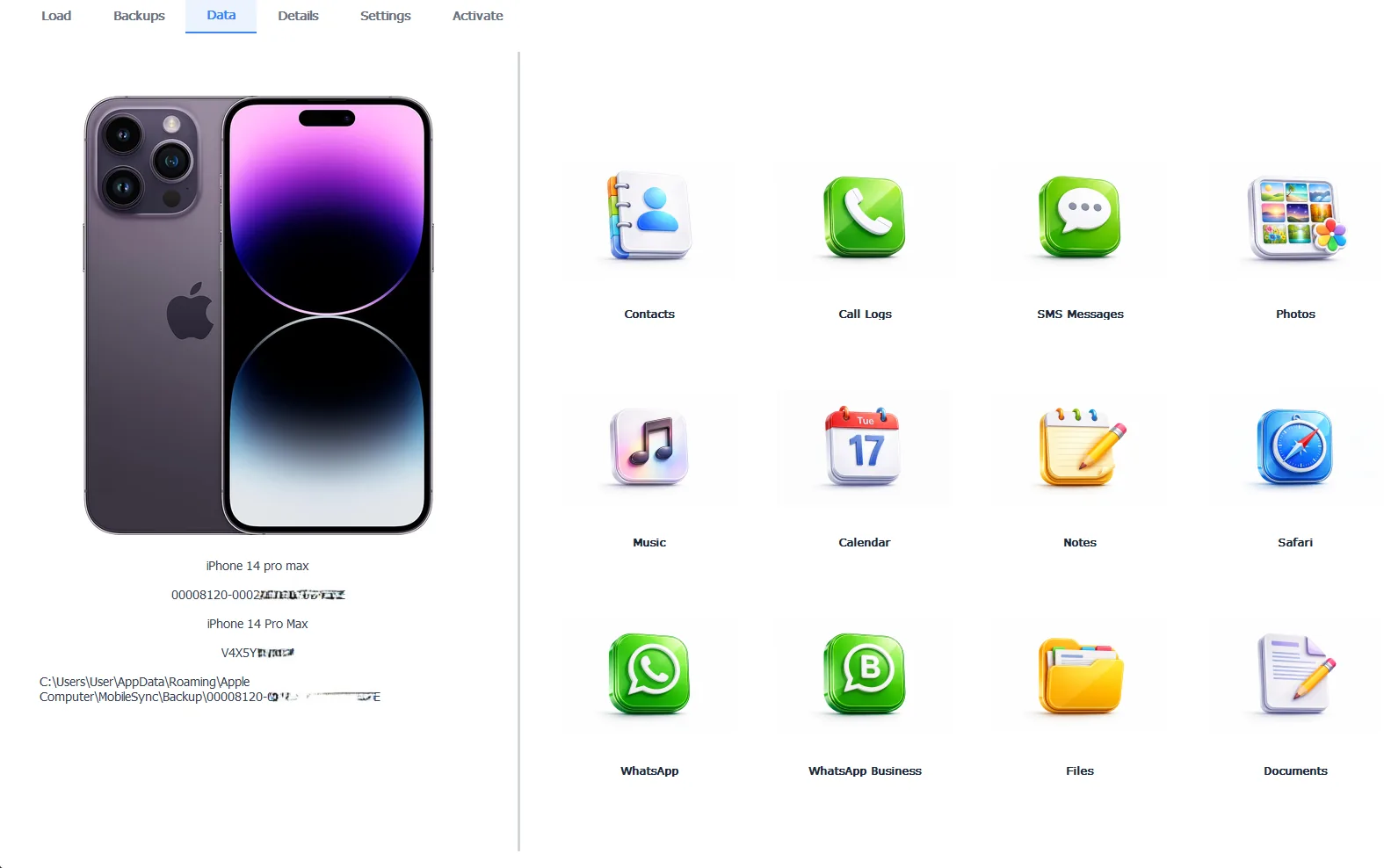
The same hashed folder, translated back into a photo library
Encrypted backups open the same way with their password, decrypting what no rename ever could. Browsing costs nothing, exporting the photos out as real image files takes the Pro edition at $49 per year and everything runs 100% locally. The full export workflow, picking, saving and organizing, lives in our guide to extracting photos from an iPhone backup.
Free version previews your backup contents. Works on Windows 10 and 11.
“People open the backup folder expecting a photo album and find what looks like machine debris, so they close it and assume the photos aren’t there. Every one of those blank files is a photo, a message or a memory wearing a hash for a name. The album was never missing. It was encrypted by obscurity.”
Viralkumar Patel in | iData Backup Viewer Team, CYBERSICS SOLUTIONS
Which Photos Are in the Backup at All?
One rule decides it before any hunting. Camera roll photos ride in the computer backup only when iCloud Photos is off. That’s because Apple excludes iCloud-synced categories from local backups. A thin photo harvest means the library lives in iCloud instead, reachable through iCloud.com rather than the backup.
Chat photos play by their own rules and always come along, riding inside the message data whatever the iCloud settings say. They form the hidden album our guide to extracting photo attachments from messages unpacks. And photos deleted from the phone survive in any backup made while they existed, the deep second chance behind recovering deleted photos.
So the literal answer was two paths and 256 folders, while the useful answer is a translation problem. The photos never left, Windows just can’t read their names. One viewer session turns machine debris back into your library. Everything else hiding in those same folders, messages, contacts and beyond, gets its map in our iPhone data recovery hub.
How many disguised photos are sitting in your backup folder right now?
Frequently Asked Questions
Is there a DCIM folder inside the backup?
No. DCIM lives on the phone’s own filesystem, not in backups. The backup flattens everything into hashed files inside the hex subfolders, which is why hunting for familiar folder names finds nothing.
Can the Windows Photos app open the backup files?
No. Without extensions Windows has no idea the files are images, so nothing previews. In an encrypted backup the files are also encrypted, putting them beyond any renaming or file association trick.
Are the photos in the backup originals or compressed?
The backup stores each photo exactly as the phone held it. Your own camera shots sit at full quality. A photo that arrived compressed over green bubble MMS was already the small version when the phone received it.
Why does my backup contain almost no photos?
iCloud Photos was on. Photos synced to iCloud stay out of computer backups by design, living in the cloud instead. The chat attachments inside your conversations still ride in the backup either way.
Is it safe to copy the backup folder somewhere?
Completely. Copying whole is the right way to archive one. The danger is editing, renaming or deleting files inside the original, which makes iTunes treat the whole backup as damaged.
Do videos live in the backup the same way?
Yes. Videos sit hashed beside the photos in the same subfolders, equally invisible to browsing and equally recoverable through a viewer.
Written by Viralkumar Patel in
Viralkumar works on iData Backup Viewer at CYBERSICS SOLUTIONS, where he helps Windows users read, recover and export data from iPhone backups.